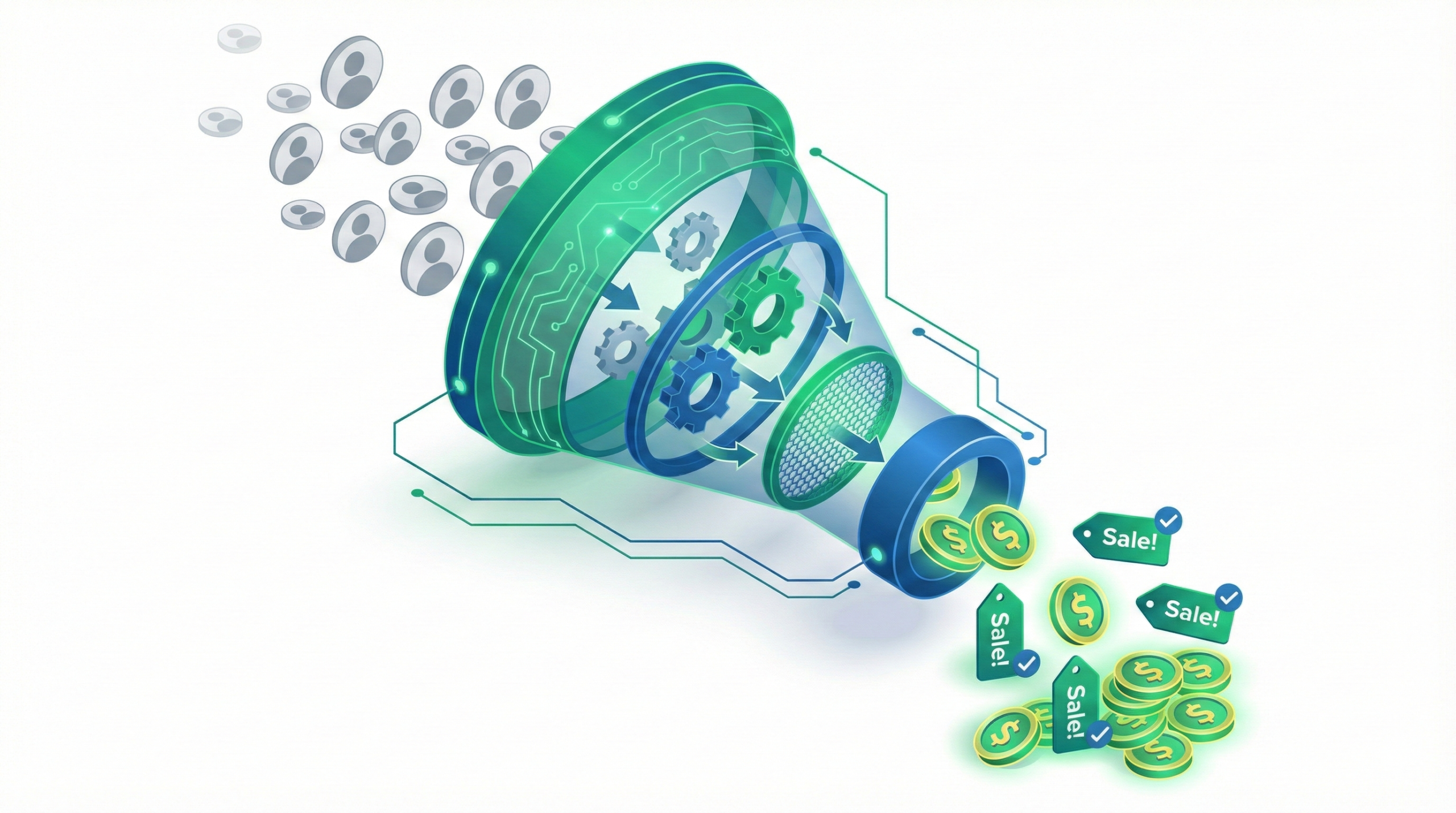
Traffic is vanity, conversion is sanity. Using a professional Conversion Rate Calculator is the only way to measure the ultimate metric of website efficiency. It tells you exactly what percentage of your visitors are taking action, whether that’s buying a product (Sales Conversion) or filling out a form (Lead Conversion).
In 2025, understanding your CVR is critical. A high conversion rate lowers your Customer Acquisition Cost (CAC) and improves your ROAS automatically.
Conversion Rate Tool (with Industry Benchmarks)
Select your industry to see if your performance is “Good” or “Bad” compared to the latest 2025 data.
📈 Conversion Rate Calculator
Calculate your Site Performance & Compare with 2025 Industry Standards.
Enter data to see analysis.
🔍 Result Analysis: Is your funnel leaking money?
A low conversion rate inflates your acquisition costs. If your result is below the industry average (Red Zone), you are essentially paying for traffic that leaves without buying.
⚡ The CRO Rule for 2025:
Micro-optimizations matter. Increasing your conversion rate from 1% to 2% doesn't just double your leads—it literally cuts your Cost Per Acquisition (CPA) in half.
What is Conversion Rate?
The Conversion Rate is the percentage of visitors who complete a desired goal (a "conversion") out of the total number of visitors.
The Formula
While our free Conversion Rate Calculator does this instantly, understanding the math is useful for manual auditing. The formula is universal for both B2B and E-commerce:
Example: If you had 50 sales from 2,000 visitors, your calculation is (50 ÷ 2,000) × 100 = 2.5%.
Note regarding GA4: In the new Google Analytics 4, you can measure "Session Conversion Rate" or "User Conversion Rate". This tool uses the standard session-based approach.
2025 Conversion Rate Benchmarks by Industry
Is the result from the Conversion Rate Calculator good? It depends entirely on your business model. According to First Page Sage and InMotion Hosting (2025 Report), the gap between industries is massive.
E-commerce Benchmarks (Sales Conversion)
E-commerce generally has lower rates because asking for money is harder than asking for an email.
| Niche | Average CVR | Notes |
| Food & Beverage | 6.04% | High impulse buying. |
| Health & Beauty | 4.55% | Strong influencer impact. |
| Fashion & Apparel | 3.01% | Visual-heavy purchases. |
| Electronics | 2.30% | High research intent. |
| Home & Garden | 1.24% | High ticket items, slower decision. |
B2B Benchmarks (Lead Conversion)
B2B rates vary based on the "friction" of the form.
| Industry | Average CVR | Notes |
| Legal Services | 7.40% | Very high intent (urgent problems). |
| HVAC / Services | 3.10% | Local urgency. |
| Real Estate | 2.70% | High volume, lower quality leads. |
| Financial Services | 1.90% | High trust barrier. |
| SaaS / Software | 1.10% | Very competitive, long research cycles. |
📉 Why is my Conversion Rate Low? (The "Leaky Bucket")
If the calculator showed a result below your industry benchmark, 90% of the time the issue lies in one of these three technical bottlenecks.
1. The 1-Second Delay
Amazon found that every 100ms of latency cost them 1% in sales. If your landing page takes 4 seconds to load on mobile, you lose ~50% of your traffic before they even see your headline.
2. Mobile Friction
Over 60% of traffic is now mobile. If your form has more than 3 fields or buttons smaller than 48px, users will bounce.
Stat: Interactive calculators convert at 47%, while static forms convert at 2%.
3. Zero Social Proof
In a cookie-less world, skepticism is high. A checkout page without badges (Trustpilot, SSL, Client Logos) is a conversion killer. Adding a simple trust badge can lift sales by up to 42%.
3 CRO Tactics to Increase Leads and Sales
- Use "First-Party" Personalization: Don't show the same generic headline to everyone. Use dynamic text to match the user's location or search term.
- Simplify Forms: Expedia removed one optional field from their form and increased profit by $12 million. Only ask for what is strictly necessary.
- A/B Test the CTA: Change your button from generic ("Submit") to value-based ("Get My Free Audit"). This small psychological shift can double click-throughs.
Improving your conversion rate will directly lower your costs. See the impact on our CPA Calculator.
Sources & CRO Data:
- 🛒 E-commerce Benchmarks: Shopify Global Data
- 🧠 Psychology of Conversion: Cialdini’s 6 Principles (CXL)